For developers who use Claude Code, Codex, or both
Claude and Codex. One flow.
ShanFlow is one calm desktop workspace for the Claude Code and Codex agents. Run them side by side, carry a session from one to the other, and keep going when a plan runs out. Runs locally. Bring your own Claude or Codex access.
Free during Early Access. The app tells you before it ends. 30-day free trial. No account, no card. One engine is enough to start.
- macOS + Windows
- Your code stays on your machine
Both engines
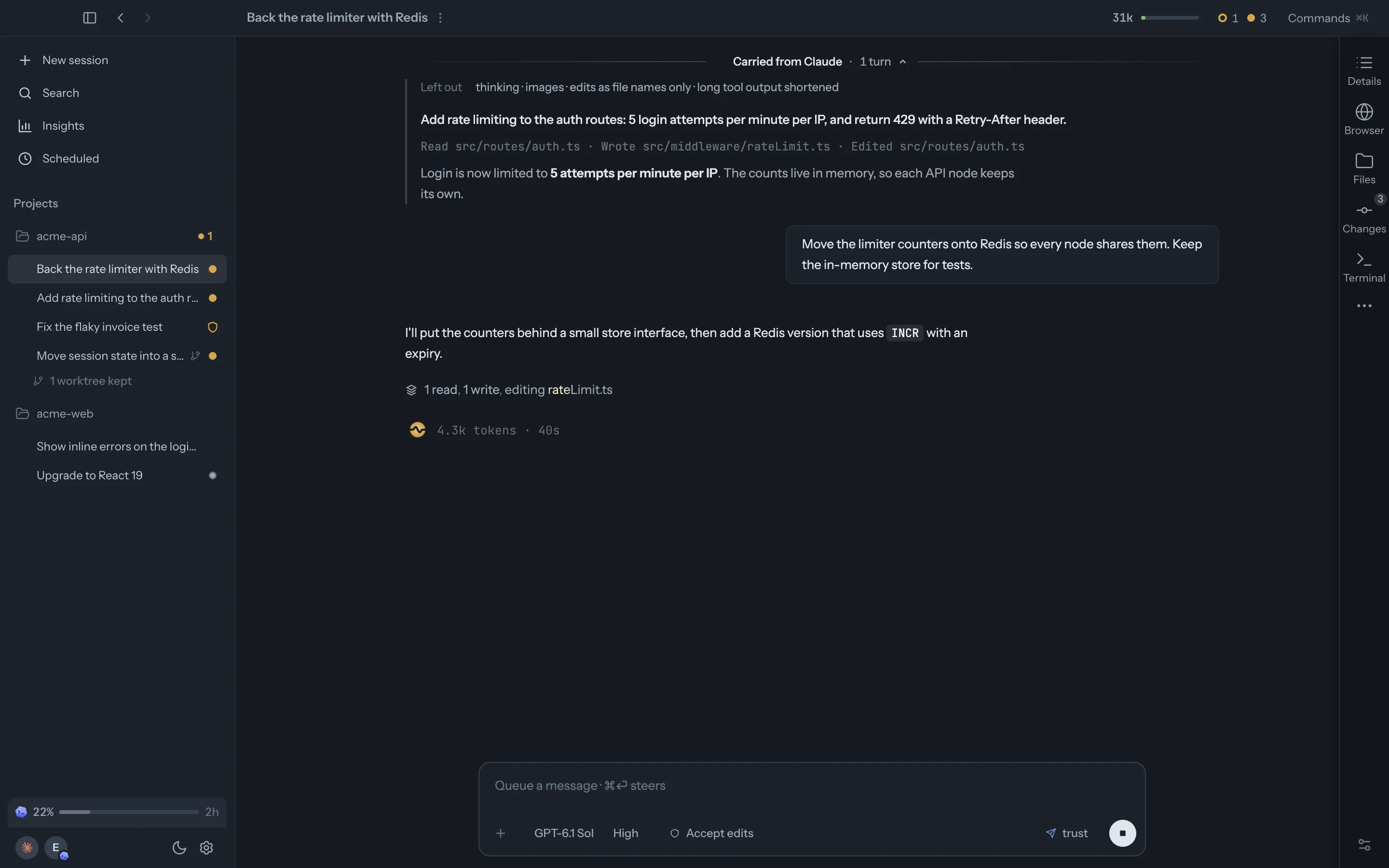
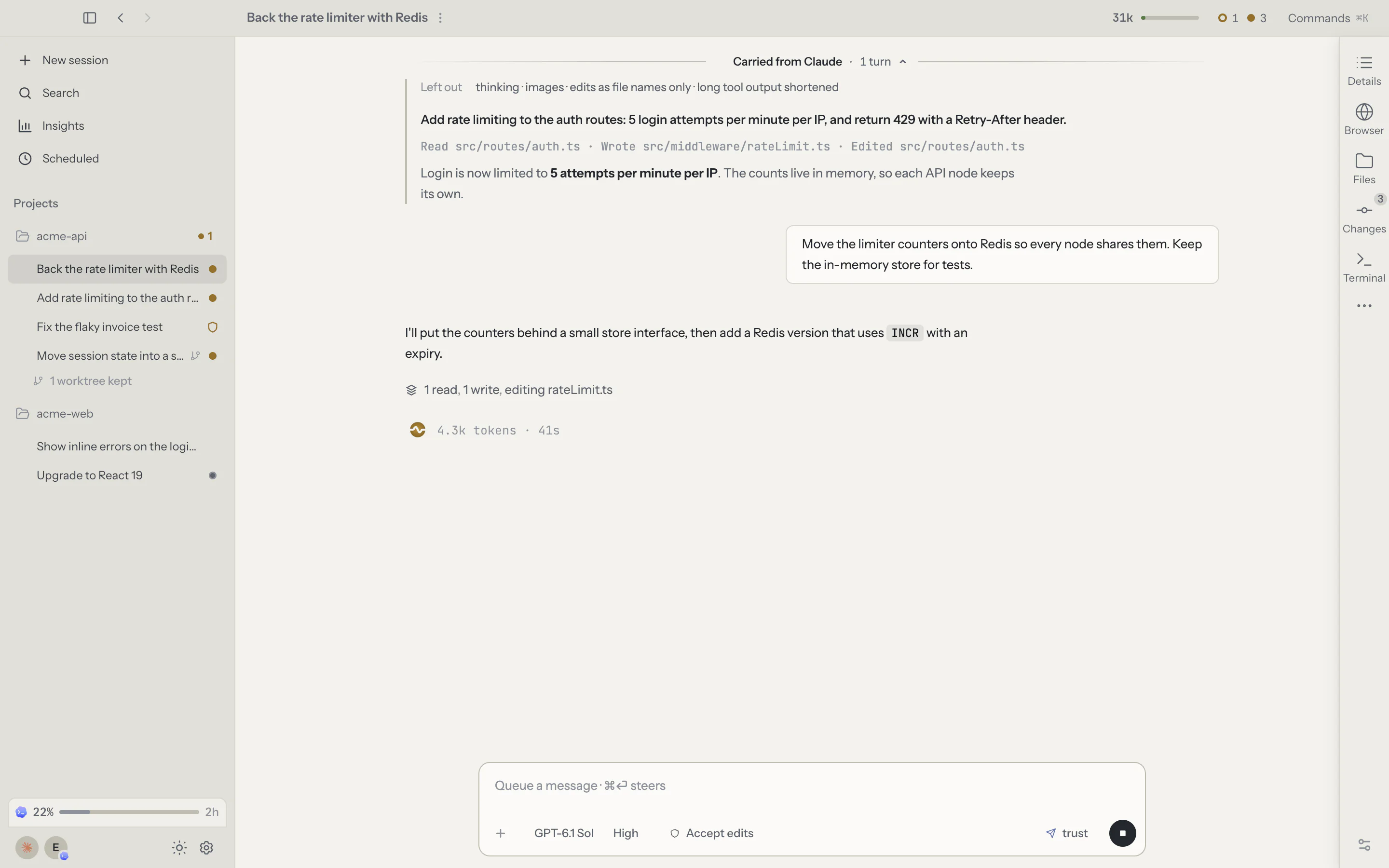
One project list. Both agents.
Pick Claude Code or Codex for each session and keep them side by side in the same project, with the same shortcuts and the same review flow.
- The engine is per session, not per app.
- Claude and Codex terminal sessions, together in one list, next to the ones you start here.
Continue
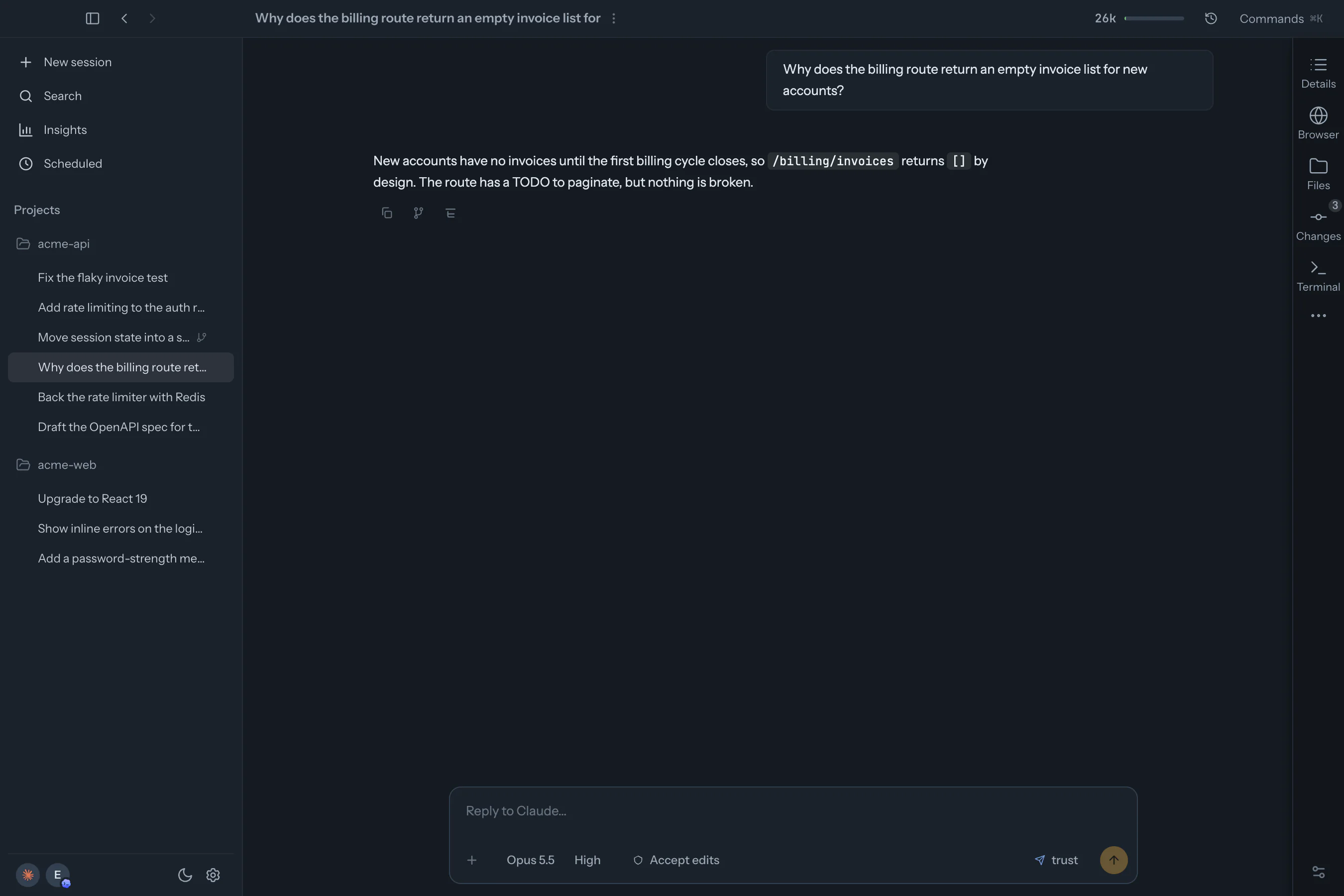
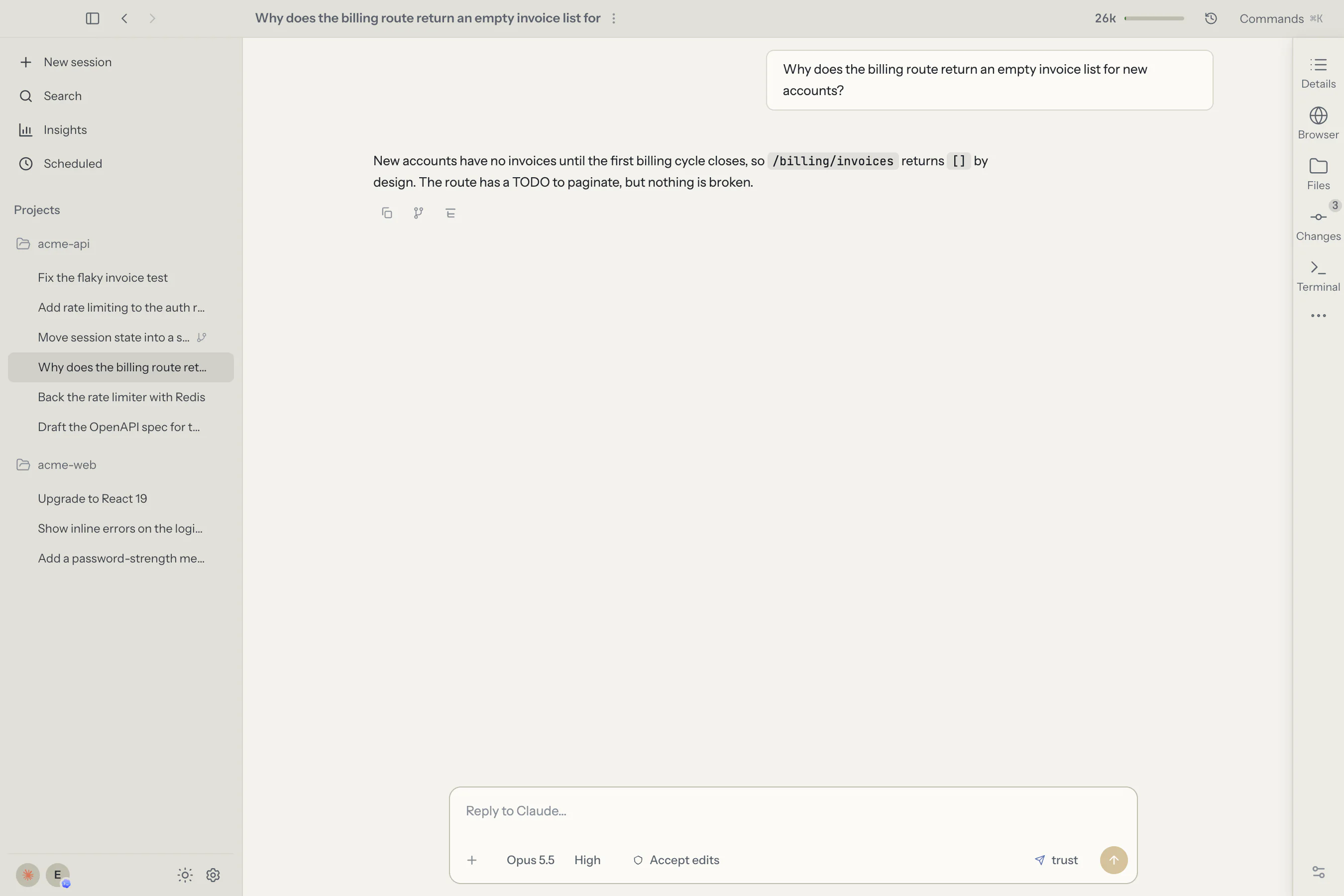
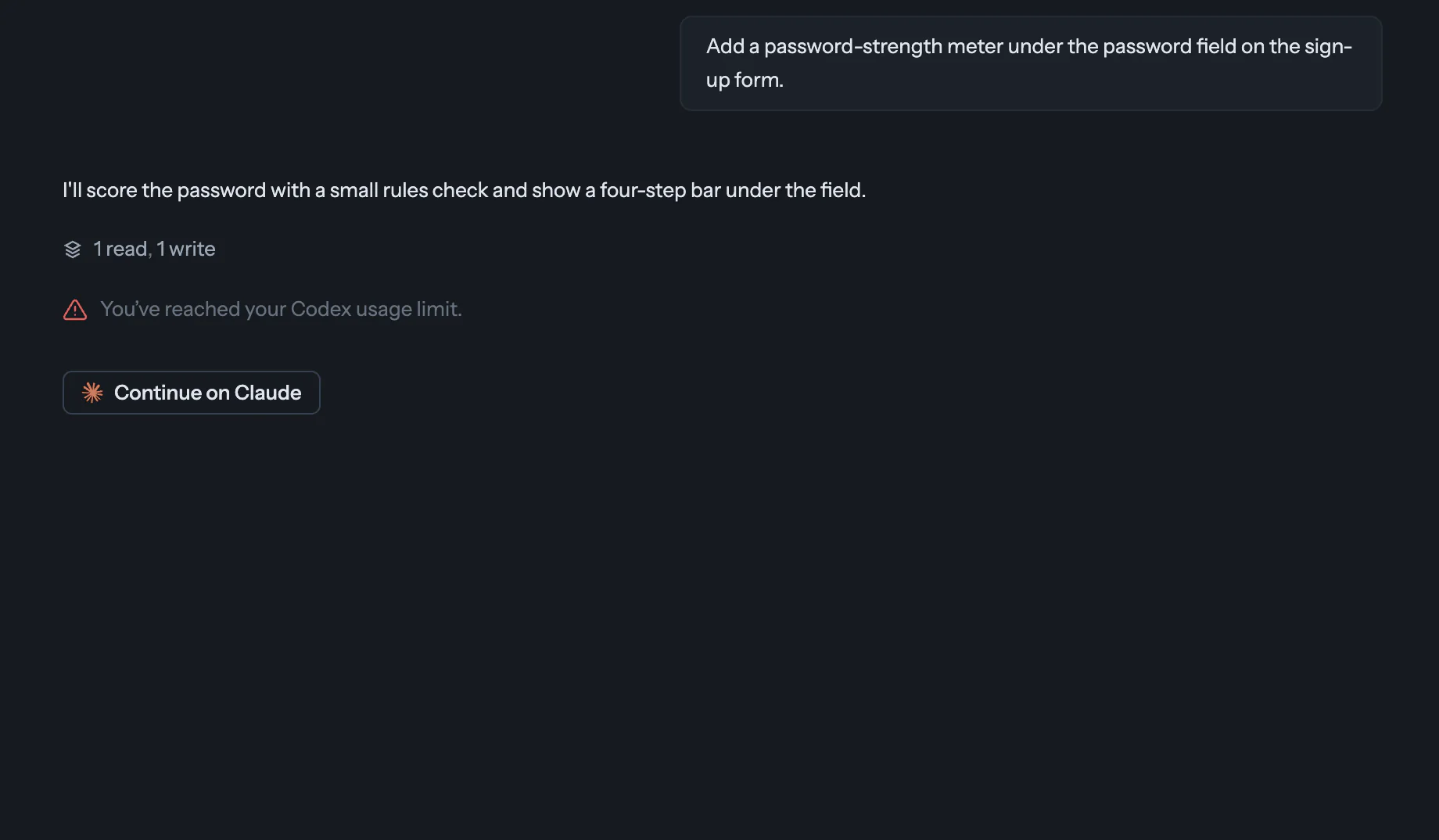
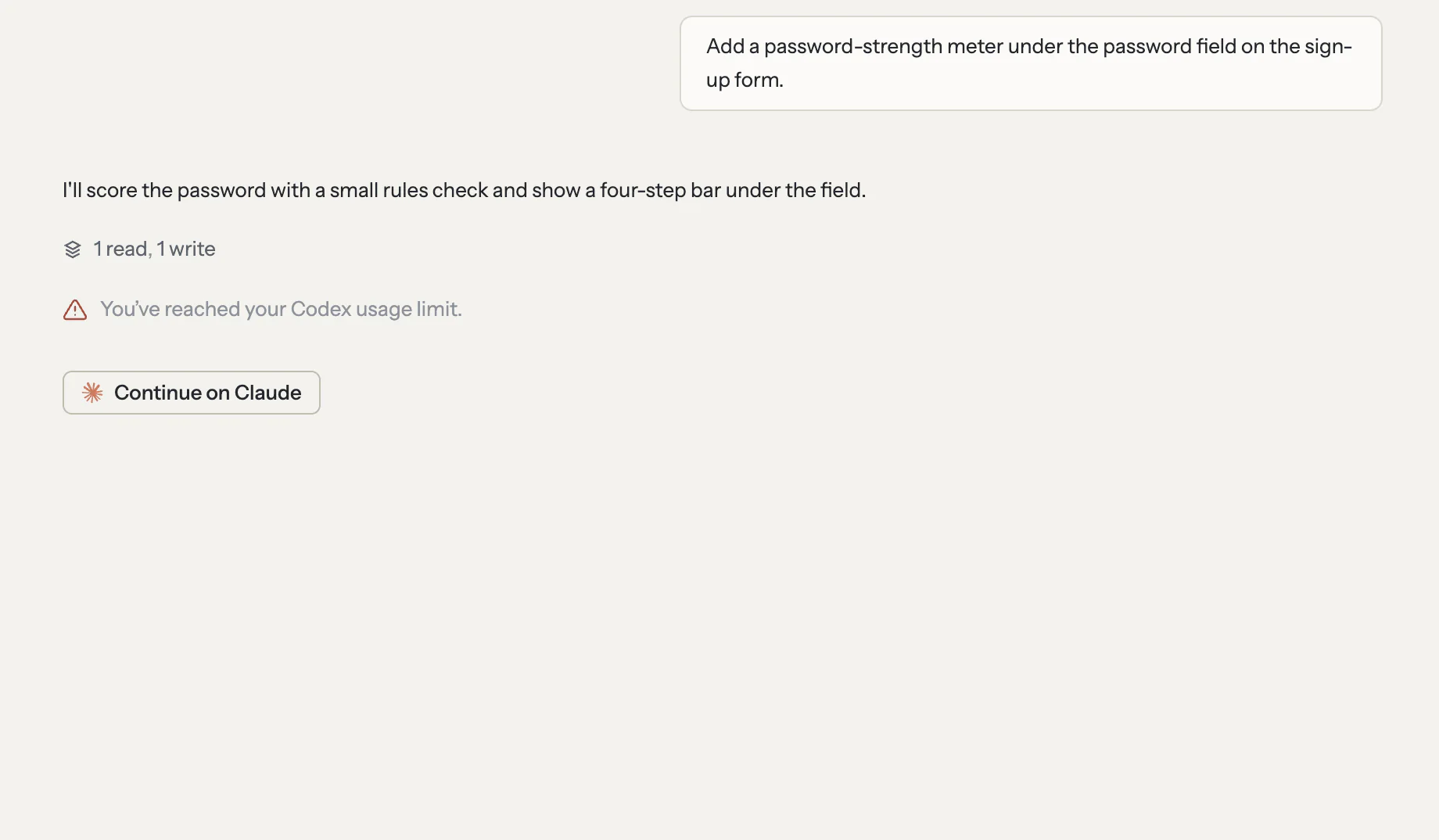
Keep going when a plan runs out.
When one plan hits its limit, continue the same session on the other engine, either way, inside the same app, with its history carried over. Your work doesn't stop because one subscription did.
- Continue on Codex or Claude right from the limit message.
- Fork any answer onto either engine for a second take.
Together
Sessions that work together.
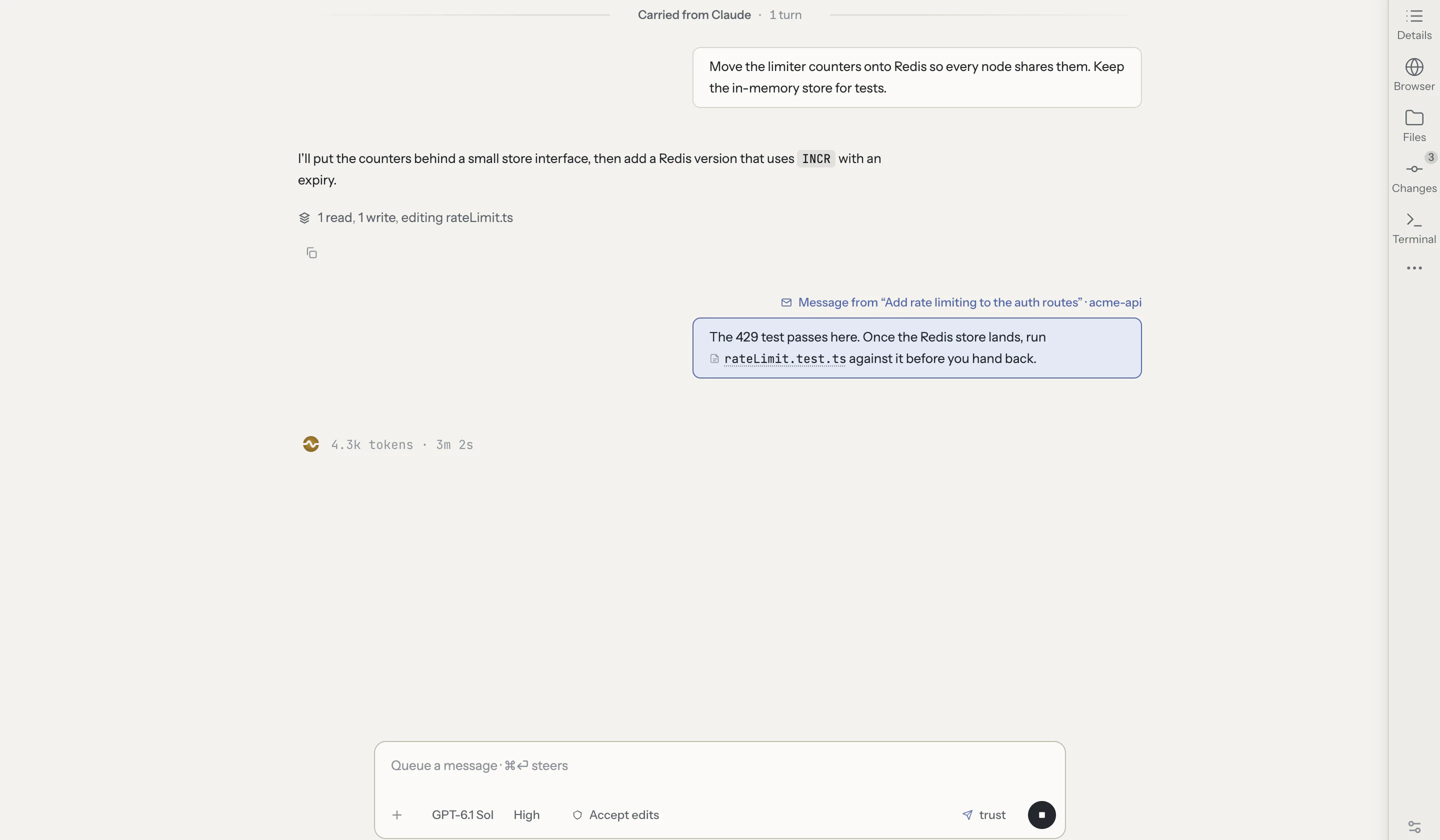
Sessions can message each other across engines, so a Claude session can hand a review to a Codex session and get the answer back. Every message between sessions asks you first.
How sessions talk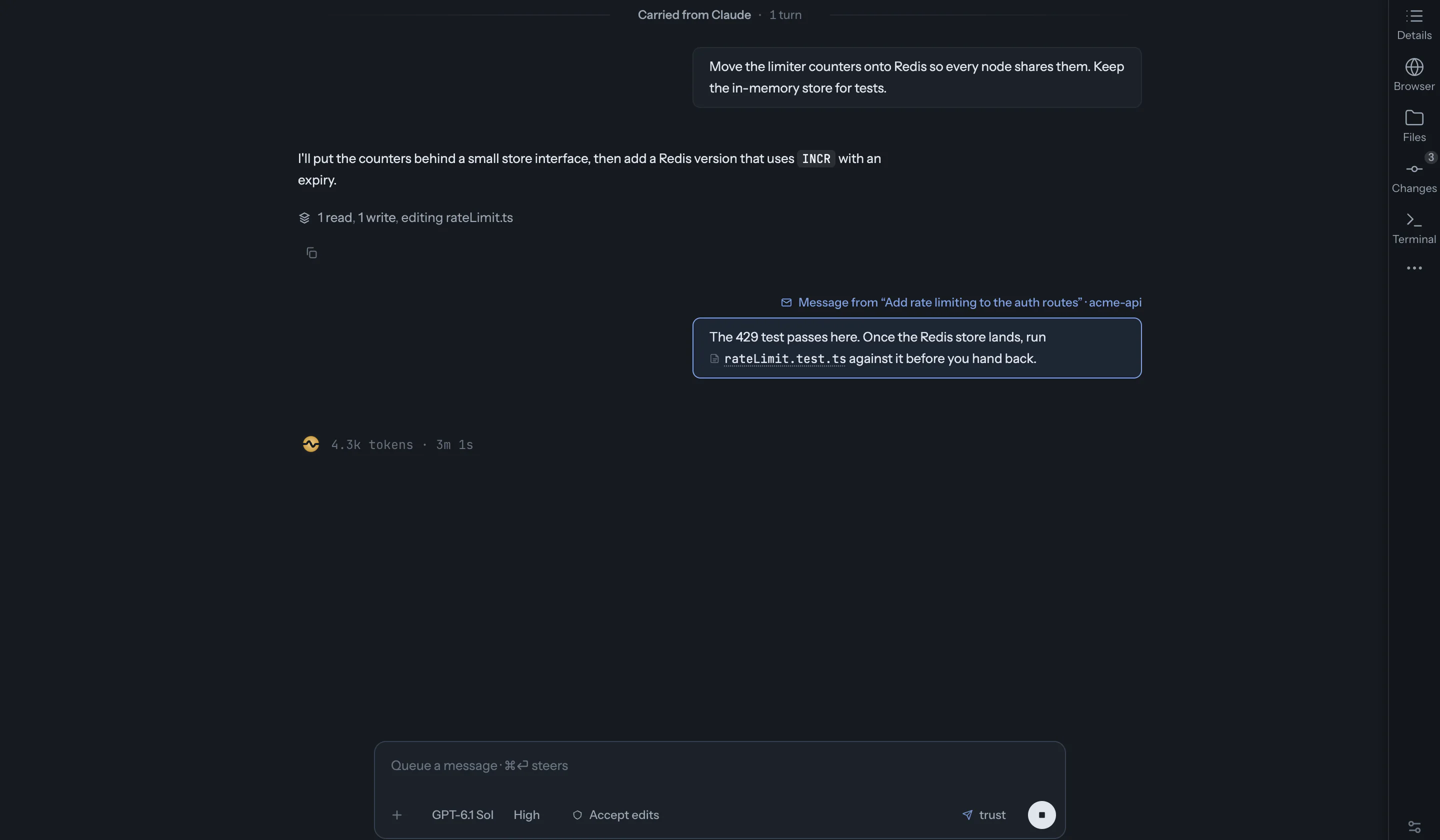
Local
Your code stays on your machine.
ShanFlow runs on your computer and talks to the agents you already use.
Your code and prompts stay on your machine. ShanFlow sends your prompts only to the model provider you choose (Anthropic or OpenAI), and sends nothing off your machine itself except licensing checks and usage counts, unless you share a session to your phone with remote control.
What leaves your machine
- Your prompts and codeOnly to the provider you pick, under their terms. Never to us.
- Licensing checkA hashed machine ID, the app version, and your email if you sign in.
- Usage countsCounts only, linked to your license. Always on during Early Access.Off until you say yes.
- Remote controlOff until you share a Claude session to your phone. Sharing sends that whole session, including what's already in it, through Anthropic to your Claude account. Stopping ends sending; what was sent stays there. What it sends
Everything else
Everything you already use in Claude and Codex desktop, on both engines.
- Permission prompts and modes
- Diff review
- Commits, branches and PRs
- Checkpoints and rewind
- MCP servers
- Skills and slash commands
- @ files and folders
- Attachments
- Terminal
- File viewer
- In-app browser
- Worktrees
- Remote control
- Scheduled tasks
- Light and dark themes
- Steer or queue mid-run
- Parallel sessions with live status
- Live plan card
- Side chats
- Workspaces and groups
- Usage and insights
- End-of-turn recap and next steps
- Keep or leave out each change
Start
Your first task in two minutes.
Install
Open the installer. If your system asks before opening it, the guide shows what to choose.
Add a project
Pick a folder. ShanFlow finds your Claude Code or Codex sign-in. One is enough.
Send your first prompt
Choose the engine, describe the task, and send.
Bring both agents into one flow.
Free during Early Access. Bring your own Claude or Codex access; we never resell inference.